
How to Use Worksheets on an iPad or Tablet
When it comes to completing written music theory, my favourite option is to use worksheets on an iPad. Students love it, plus it saves on paper, ink and money! If that sounds good to you, then read on for simple instructions on how to turn any PDF into a worksheet that can be filled out on an iPad or tablet.
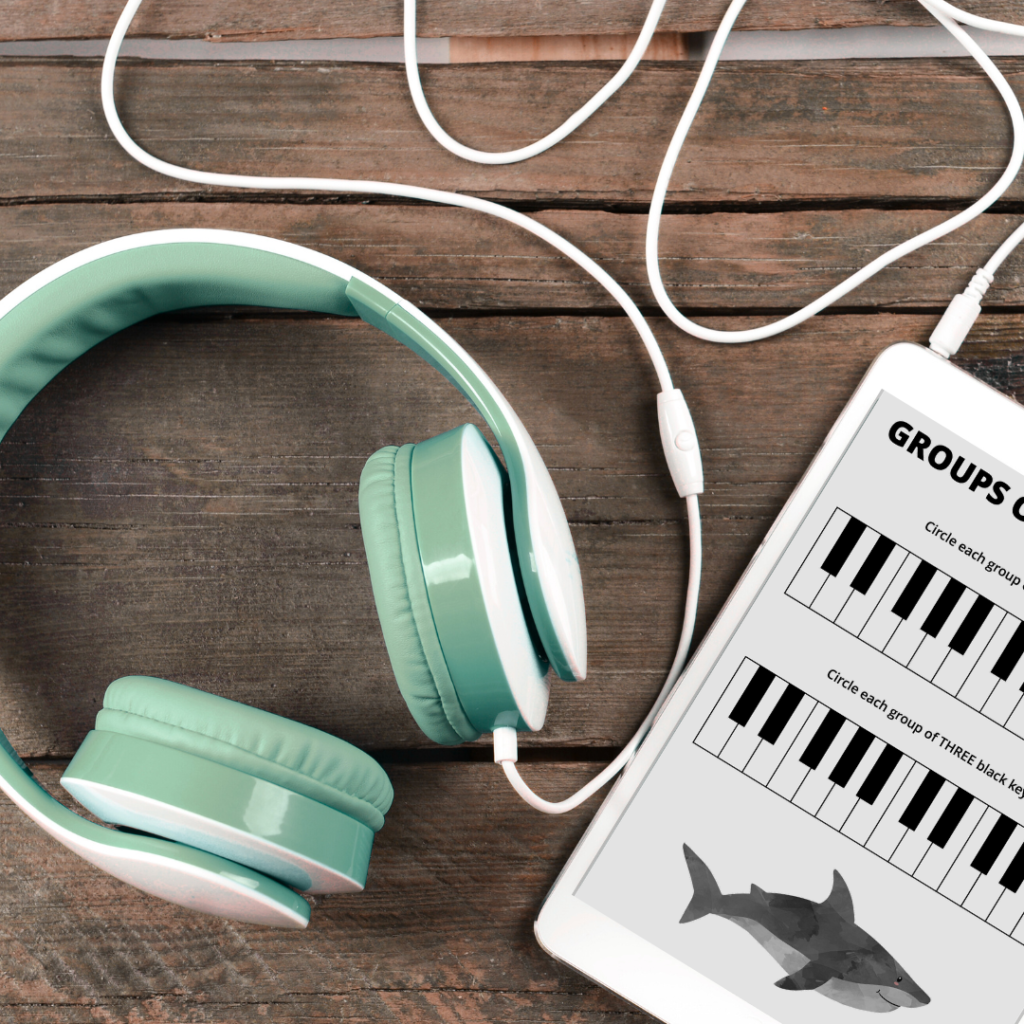
Download a PDF Annotation App
The first step is to download an app that can be used to write on a PDF. There are lots to choose from, which means it’s pretty easy to find one that will work well in your studio. Here are a few options to check out:
iPad Apps
- PaperPort Notes (free)
- PDF Expert
- Notability
Android Apps
- Xodo PDF Reader & Editor (free)
- Squid (free)
- PDF Max Pro
I find that PaperPort Notes does everything I need, plus it’s easy to use and completely free!
Read More: The Best Music Note Reading Apps
Find a Theory Worksheet
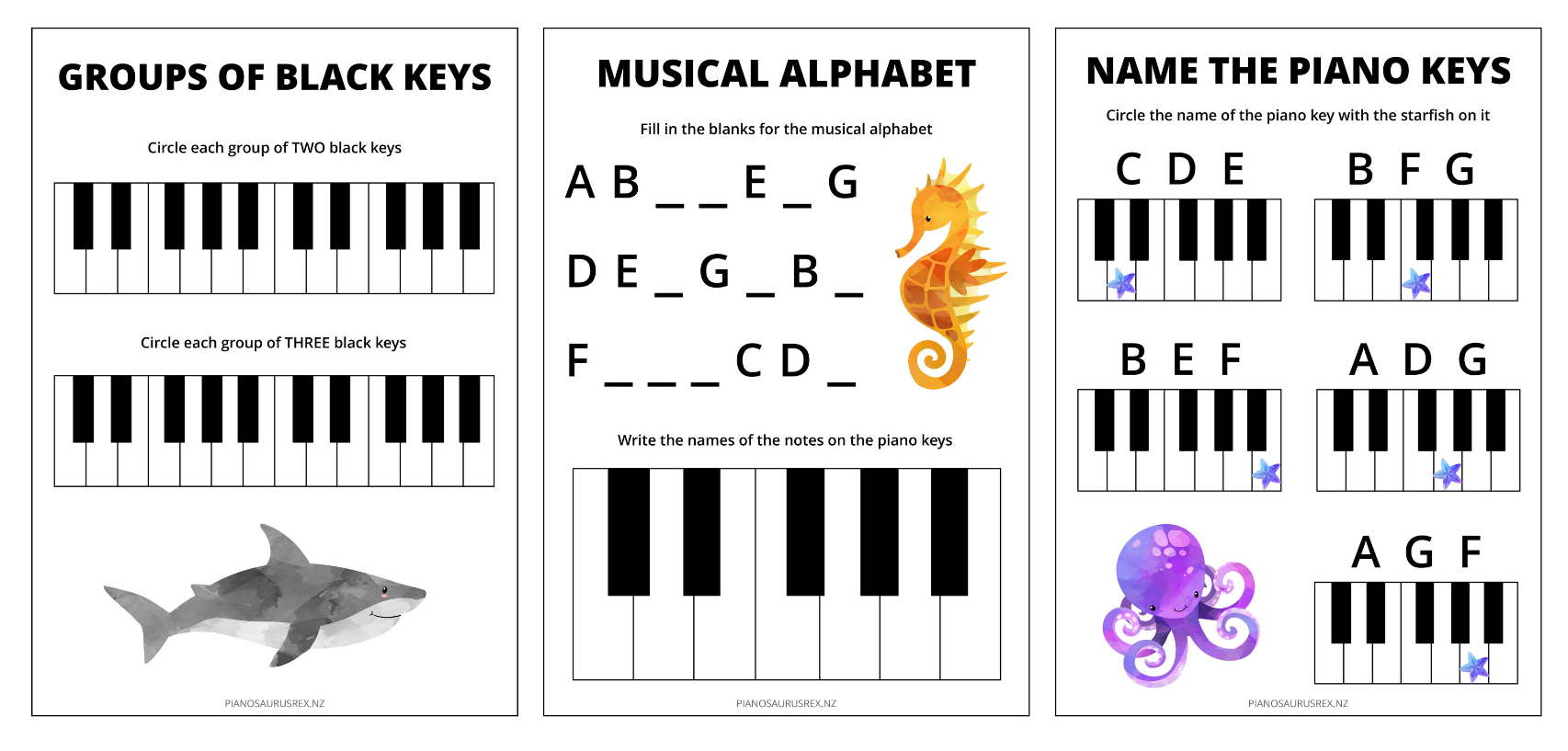
…or click on the image below to download three worksheets for free! These are great for new beginners who are learning their way around the keyboard, and have been designed especially for use on an iPad or tablet.
Download the Worksheet onto Your Device
There are a few different options for getting the worksheets onto your iPad or tablet:
- Download the worksheet directly from a website (using Safari, Chrome or Firefox)
- Use Dropbox to access worksheets saved on your computer (if you need a Dropbox account sign up here for free and get 500 MB of bonus space!)
- Or just email yourself a copy of the PDF and open it on your iPad or tablet
Now you just need to open the PDF in your annotation app.
Fill Out the Worksheet
Depending on the app that you’re using, students will be able to write on the page (using their finger or a stylus), highlight sections, or type (which tends to be more time consuming).
After your student completes the worksheet, use the eraser tool to clear it ready for next time.
Read More: Engaging Activities for Music Theory Labs
Key Takeaways
Using worksheets on an iPad or tablet is an easy (and fun!) way for students to work on music theory, either during lessons or at home.
To set up theory worksheets on an iPad or tablet:
- Download an annotation app (like PaperPort Notes)
- Find a PDF version of a worksheet
- Download it to your device
- Fill it out using a stylus or finger
- Repeat as desired!
Check out the Music Teacher Resource Library for extra worksheets for iPad or tablet, plus more games, activities, and piano sheet music.

Bridey Gibson is an experienced music teacher and founder of Pianosaurus Rex where she’s on a mission to make music lessons even more fun through innovative teaching ideas, play based learning, creative expression, and engaging resources.
Bridey offers unique piano lessons at her music studio in North New Brighton, and creates original music and practice resources loved by teachers and parents. Outside of the music studio you can find Bridey road tripping with her family, reading science fiction and fantasy, slowly working on creative projects, and learning to surf.